
PARA Example Vault
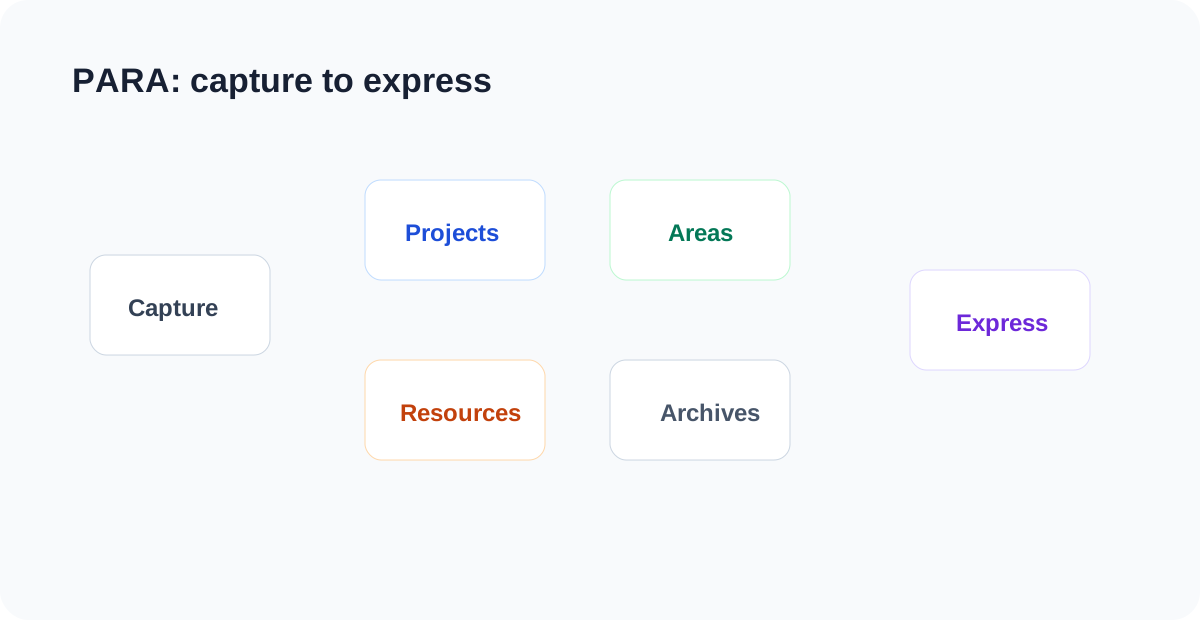
LifeOS Pro PARA Vault is the best complete starter vault for Obsidian LifeOS. Periodic notes keep the timeline, while projects, areas, resources, and archives organize long-term knowledge.
Open the Vault in Obsidian
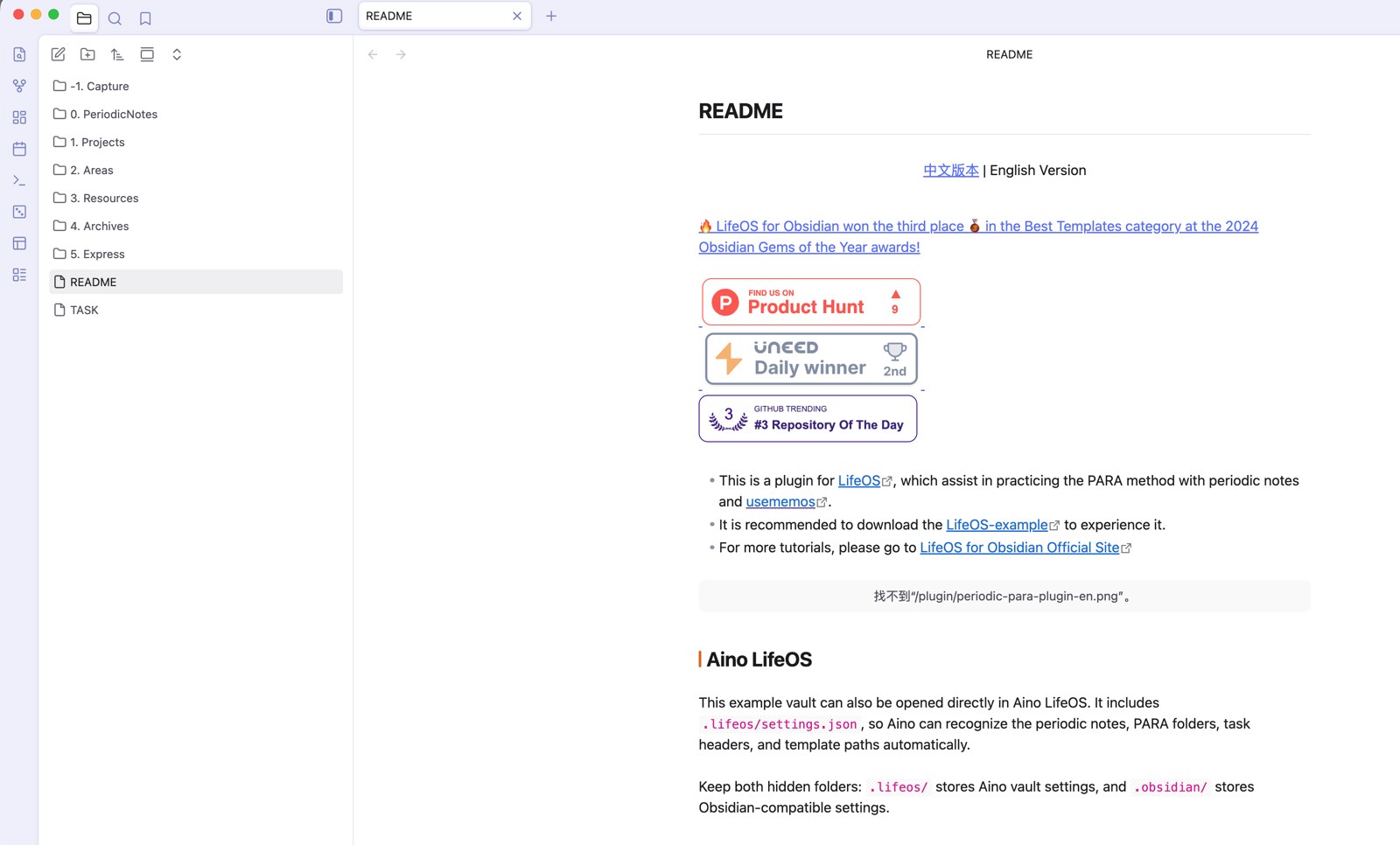
Start from the root README.md, then open 1. Projects, 2. Areas, 3. Resources, and 4. Archives. PARA is not about sorting every file at once; it helps you decide whether something is active, maintained, reference material, or finished.
Open a Project Index
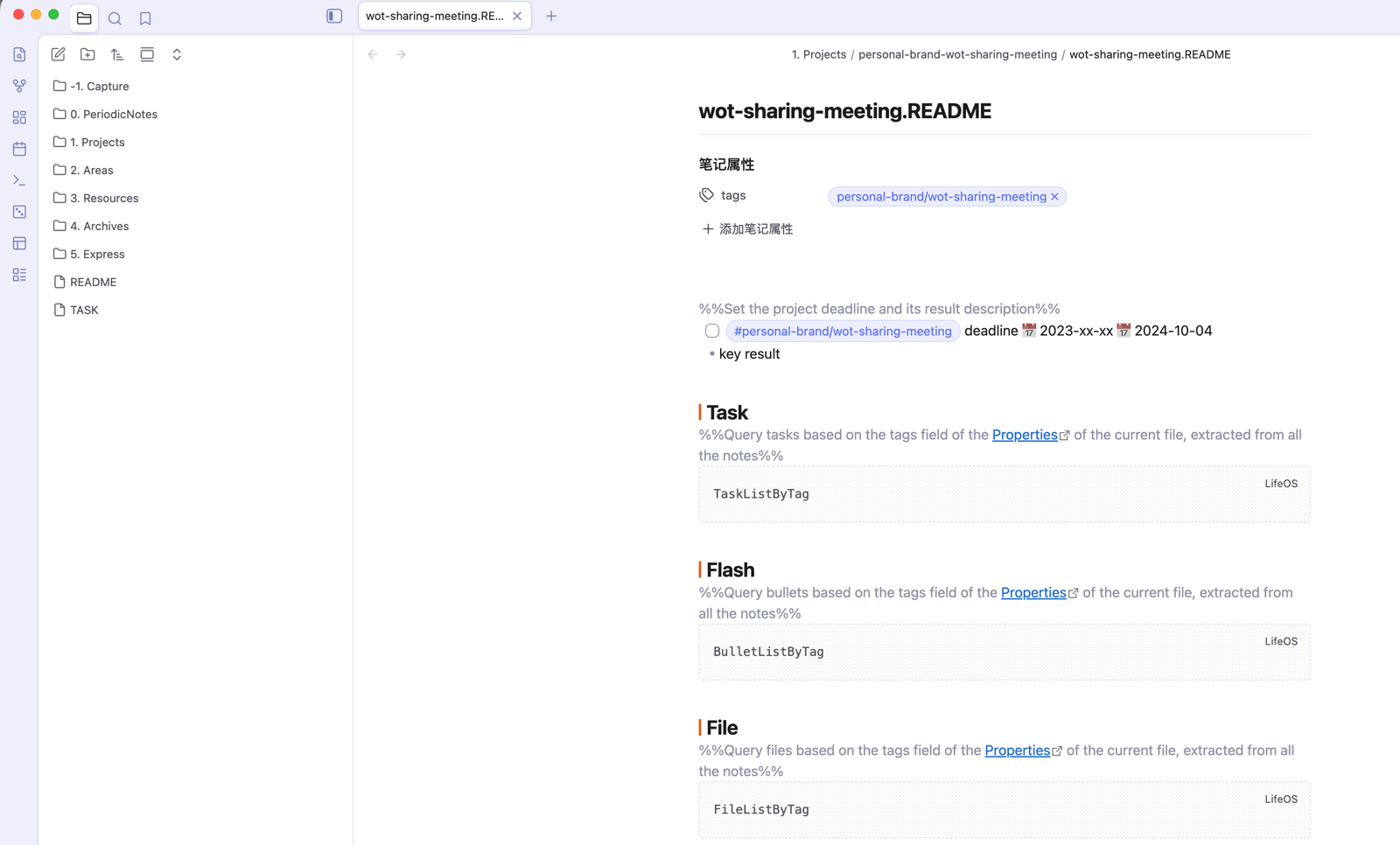
Project folders are for work with a clear outcome and end point. A project index keeps goals, tasks, material, and review notes together, while tasks created in daily notes can flow back through tags and links.
10-Minute Practice
- Open today's daily note and write:
Today I am turning the LifeOS Pro example vault into my own work vault. - Add a task:
- [ ] Create one real project and complete its README #personal-brand/LifeOS. - Open the LifeOS task view and confirm the task is recognized.
- In
1. Projects/, createWebsite Docs RefreshfromTemplate.md. - Use DeepAsk to generate a project review from the current project and recent daily notes.
Replace content before renaming folders so the default LifeOS Pro settings keep working.
What to Read Next
- Main System — Understand how PARA and periodic notes work together.
- Theme Notes — Create project, area, and resource indexes with LifeOS Pro.
- Task View — Aggregate
- [ ]tasks from across the vault. - DeepAsk — Generate reviews from projects and recent daily notes.
- Complete Project Life Cycle — Move from creation to execution to archive.