
OPC LifeOS Example Vault
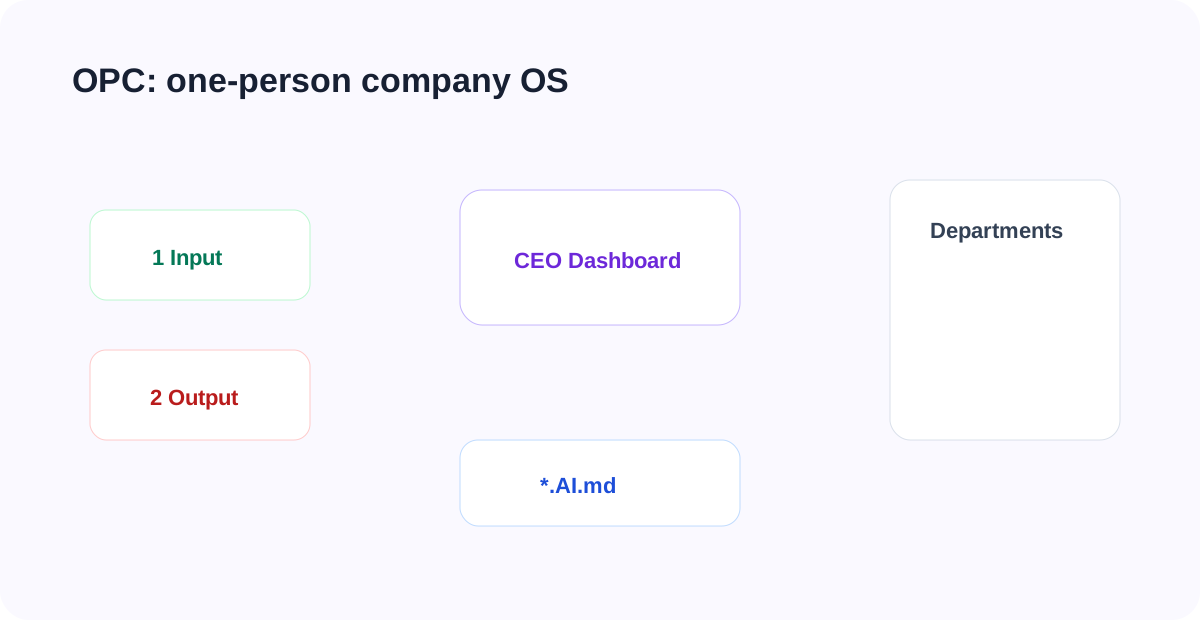
OPC LifeOS Vault is a LifeOS Pro example vault for a one-person company. It splits solo operations into a CEO dashboard, seven departments, input/output pipelines, and AI dashboards.
Start With the Operating View
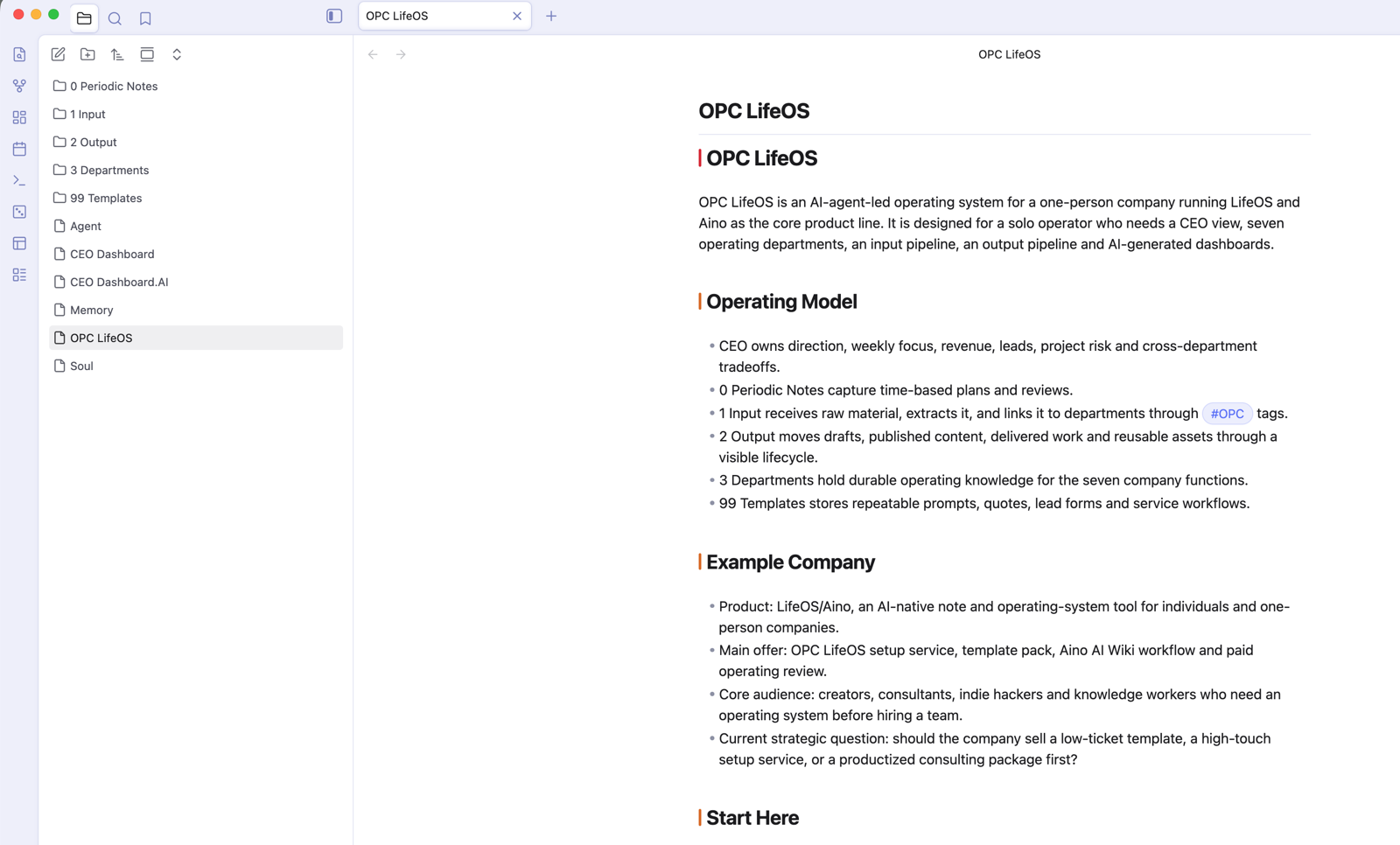
After opening the vault, start from OPC LifeOS.md, CEO Dashboard.md, and CEO Dashboard.AI.md. The point is not to sort files first; it is to see the current company state: goal, revenue, leads, projects, risks, and this week's focus.
The core assets of OPC LifeOS are still Markdown files and folders. You can use it in Obsidian + LifeOS Pro, or open the same Vault in Aino Desktop and use the AI sidebar to refresh CEO and department .AI.md briefs. See Obsidian vs Aino.
10-Minute Practice
- Open
CEO Dashboard.mdandCEO Dashboard.AI.md. - Open
3 Departments/04 Sales & Customer Department/04 Sales & Customer Department.md. - Add a daily note record:
#OPC/sales-customer Alex is interested in the OPC setup service and wants delivery timing before next Wednesday. - Create a raw lead note under
1 Input/Inbox. - Create a quote draft under
2 Output/Drafts. - Use DeepAsk to read the CEO dashboard, Sales & Customer department, recent daily notes, and input/output material, then refresh
CEO Dashboard.AI.md.
Every department has Agent.md, Soul.md, Memory.md, and a sibling .AI.md dashboard, so AI can generate operating briefs from stable context.
Open a Department
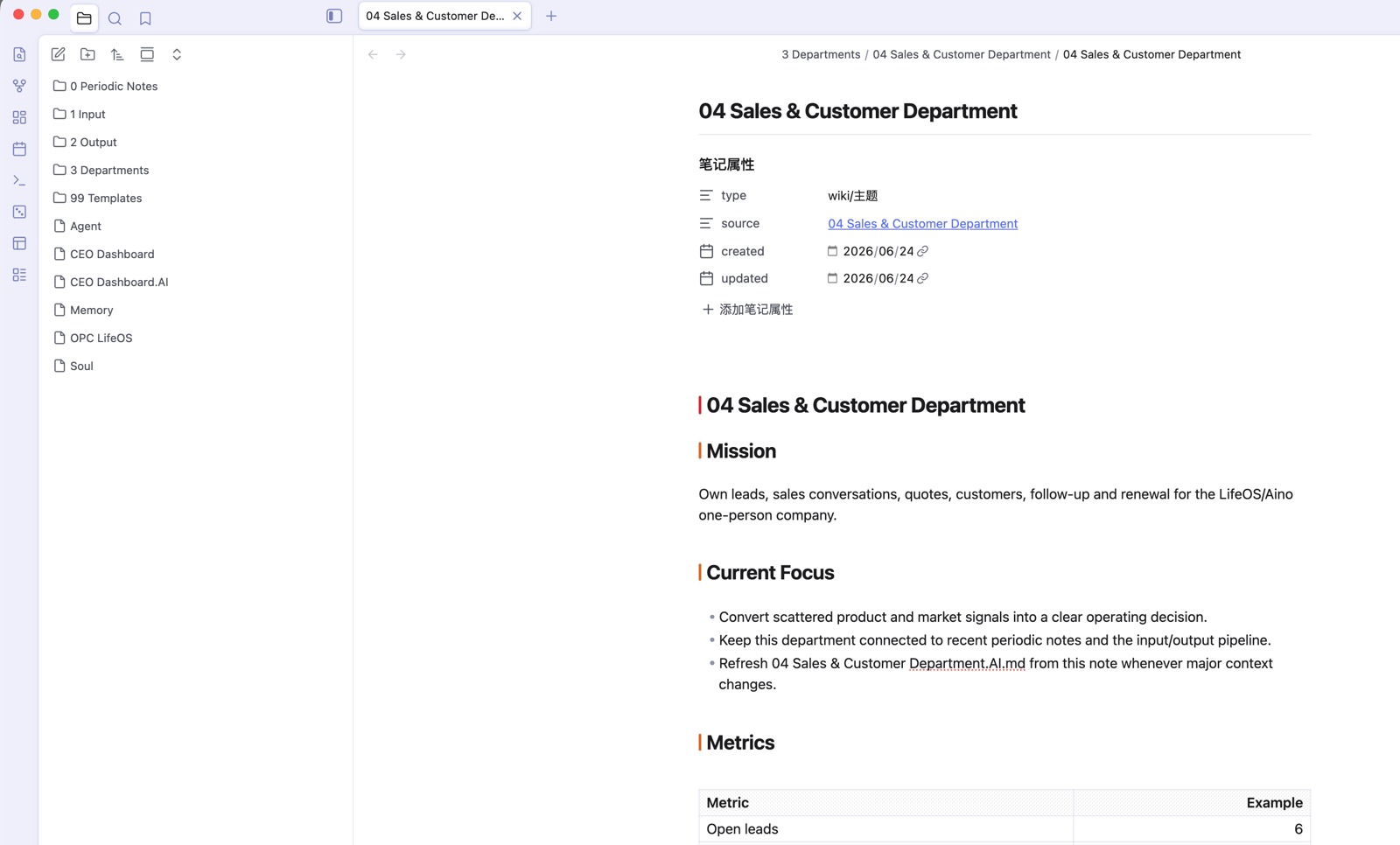
Each department is a topic directory. In daily work, put raw leads under 1 Input/Inbox and quote drafts under 2 Output/Drafts, while sales decisions, quote templates, customer profiles, and follow-up cadence live in 04 Sales & Customer Department.
Review the AI Dashboard
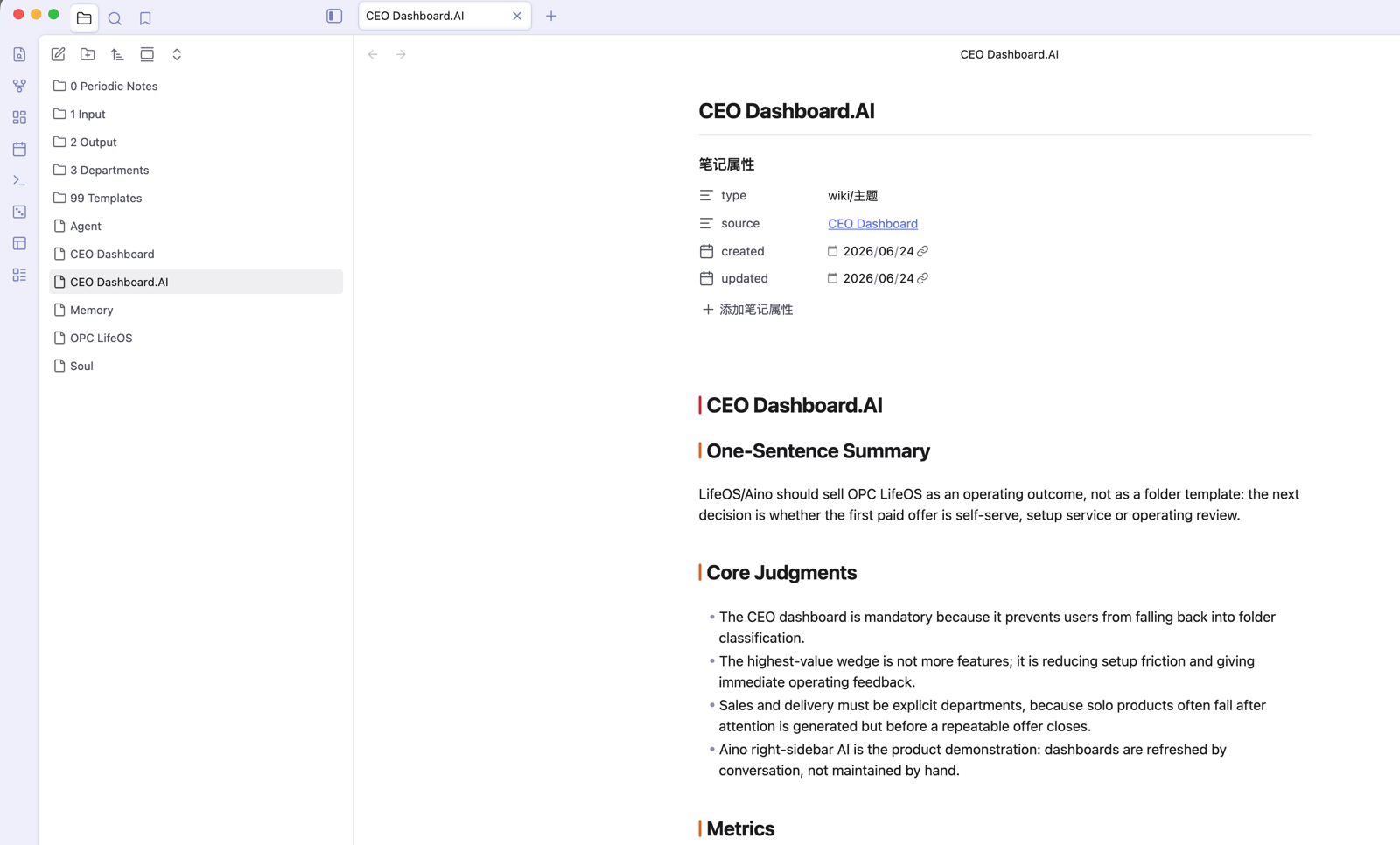
In Obsidian, open CEO Dashboard.AI.md and ask DeepAsk to refresh the operating brief from the current index file, sibling material, recent daily notes, and input/output pipelines. Department .AI.md files work the same way: read the department index first, then the department files, then summarize state, risks, and next actions.
What to Read Next
- DeepAsk — Generate CEO and department
.AI.mdoperating dashboards. - LifeOS Skill — Let AI maintain the vault with stable rules.
- Main System — Understand how knowledge management and periodic notes work together.
- Sub System — Turn goals, tasks, and time management into operating rhythm.
- Theme Notes — Maintain the seven departments as long-lived topic directories.