
IPO Example Vault
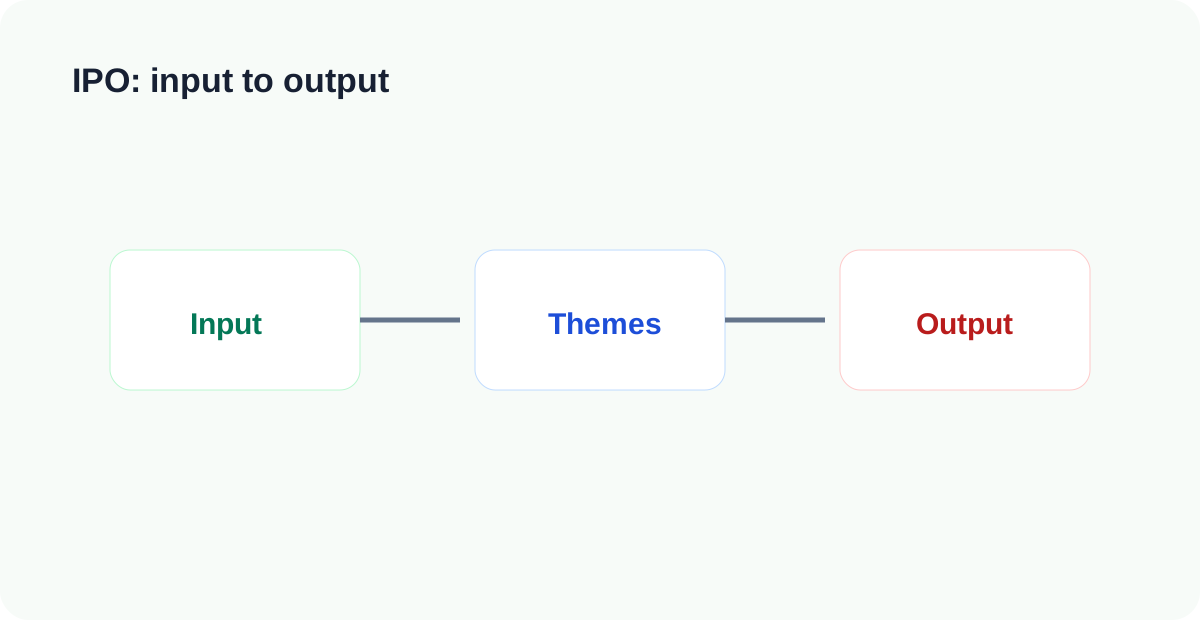
LifeOS Pro IPO Vault splits knowledge work into input, themes, and output. It fits writers, researchers, indie builders, and people who often produce proposals.
Open the Vault in Obsidian
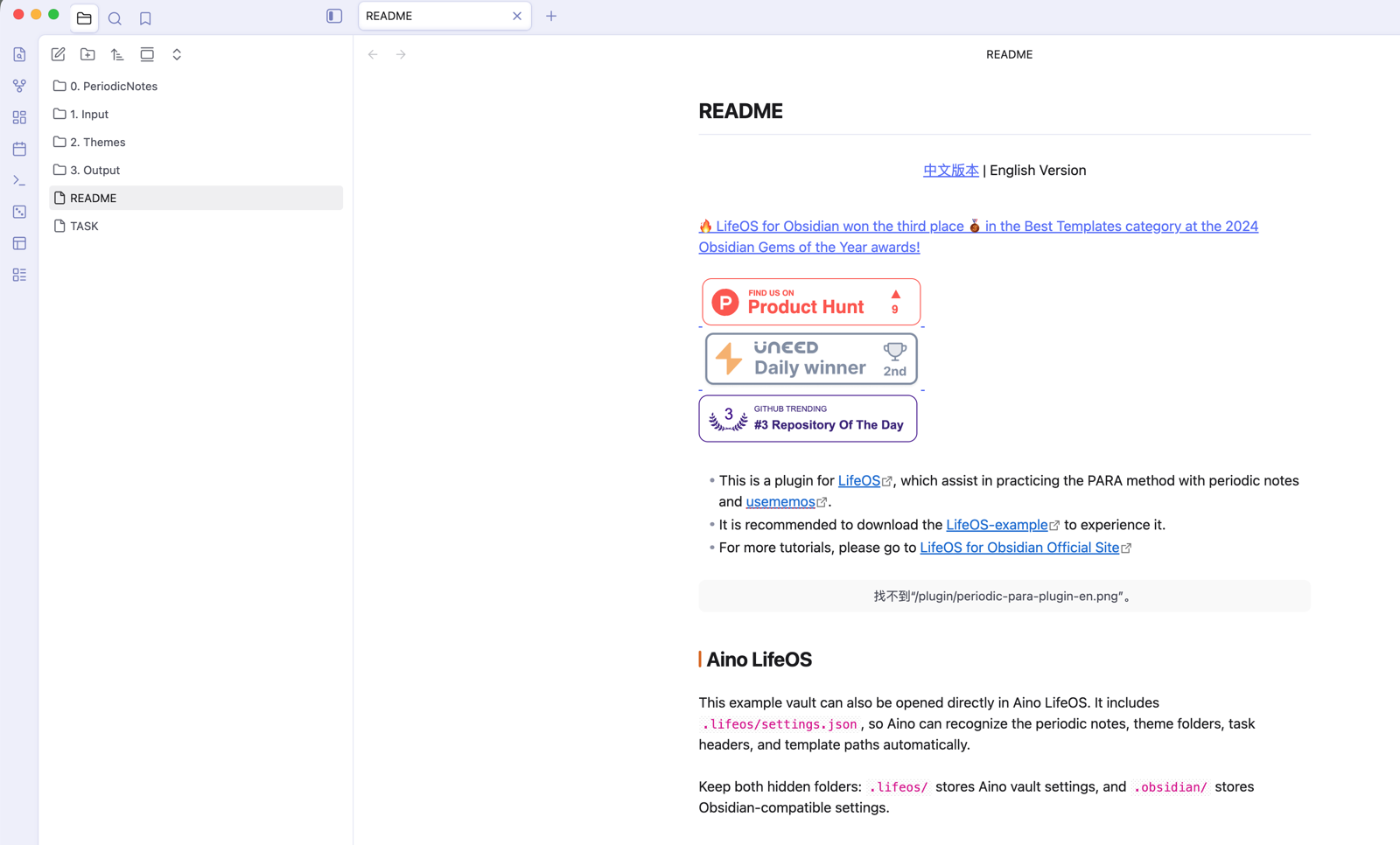
Start with the relationship between 1. Input, 2. Themes, and 3. Output. Input stores raw material, themes process it over time, and output holds articles, proposals, scripts, or product copy.
Open a Theme Index
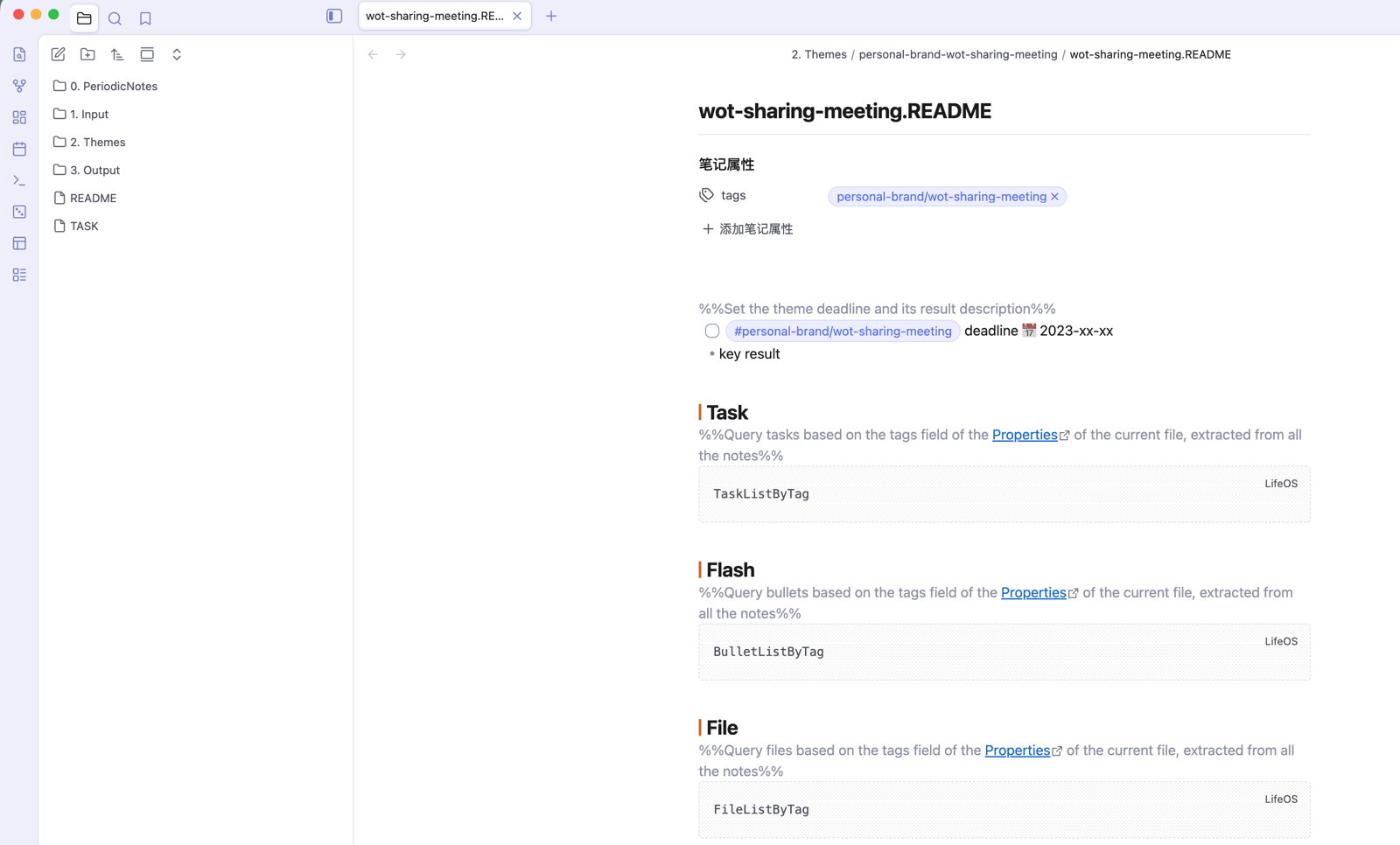
A theme is not just a folder. It is a long-running processing line. Link multiple input notes to the same theme, then ask DeepAsk to generate an output outline from the theme index and related material.
10-Minute Practice
- Create
User Feedback - LifeOS Example Vault.mdunder1. Input/. - Add three feedback points: users do not know which vault to download, do not understand theme notes, and do not know how DeepAsk should help.
- Create
Example Vault Onboarding Experience.mdunder2. Themes/. - Link the input to the theme and write one judgment: onboarding docs should help users choose templates by scenario.
- Create
LifeOS Example Vault Selection Guide.mdunder3. Output/. - Use DeepAsk to generate an outline from the input and theme.
What to Read Next
- Connections — Link input, themes, and output with tags and wikilinks.
- Retrieval — Find material through tags, index files, and folders.
- Theme Notes — Use themes as the processing layer for material.
- Advanced List — Turn scattered records into filterable lists.
- DeepAsk — Generate outlines from input and theme context.