
A Day with Obsidian LifeOS
This article shows a practical day-to-day workflow with Obsidian, LifeOS Pro, Calendar Pro, and DeepAsk. It is written as a routine you can copy, not as a feature catalog.
Morning: open today first
After opening Obsidian, start from today's daily note or the LifeOS Pro home view. If you have not prepared a vault yet, follow the quick start first.
Write only three sections at the beginning:
Do not over-plan in the morning. Capture the real work first, then use the task view to organize it.
Before work: put key tasks on the calendar
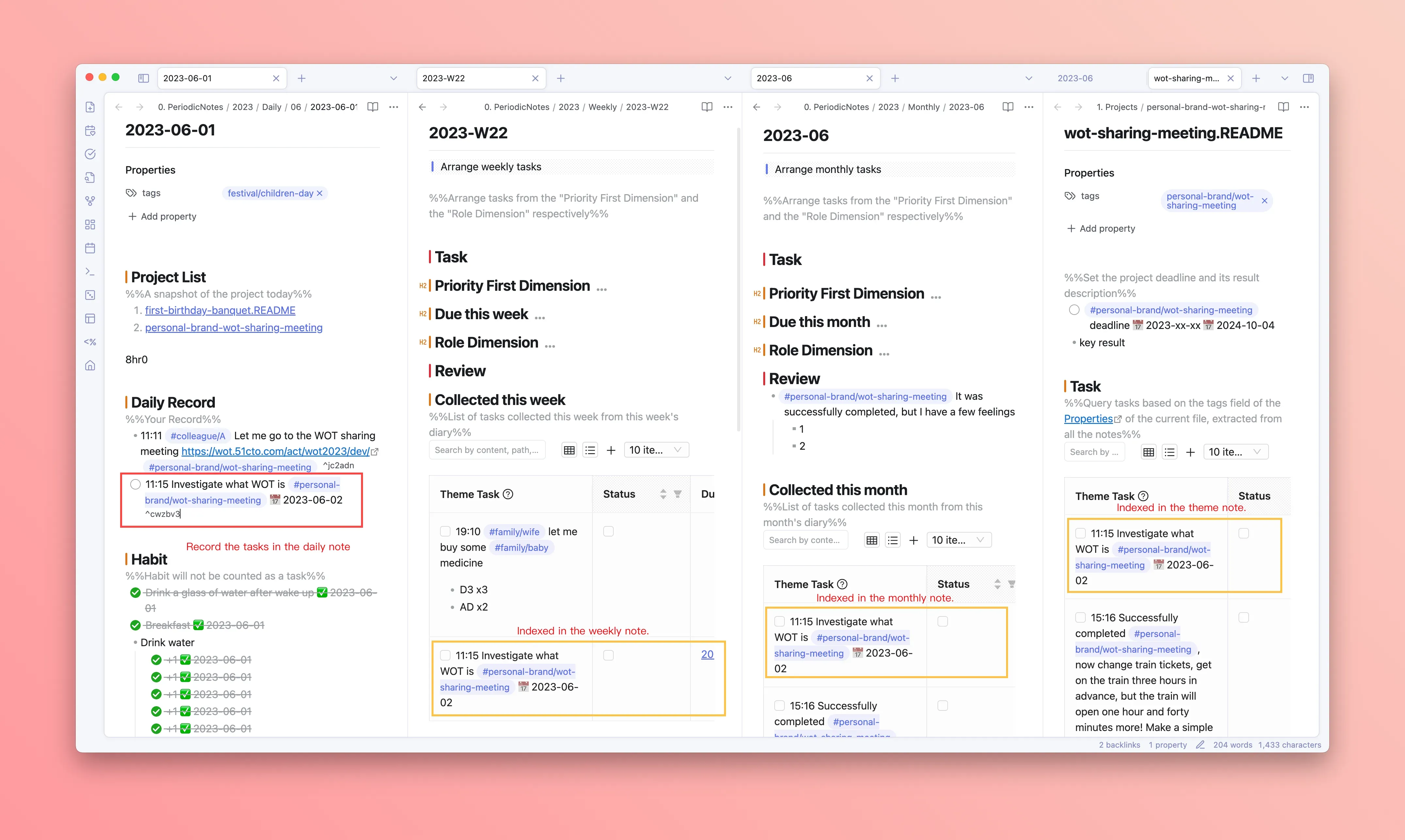
Open Calendar Pro and place the most important tasks into time blocks.
Schedule only three kinds of work:
- Deep work that must move forward today.
- Meetings or conversations with a fixed time.
- Small tasks that need a clear buffer.
If something is still just an idea, keep it in Quick Notes. Turn it into a task only when the next action is clear.
During work: keep context with theme tags
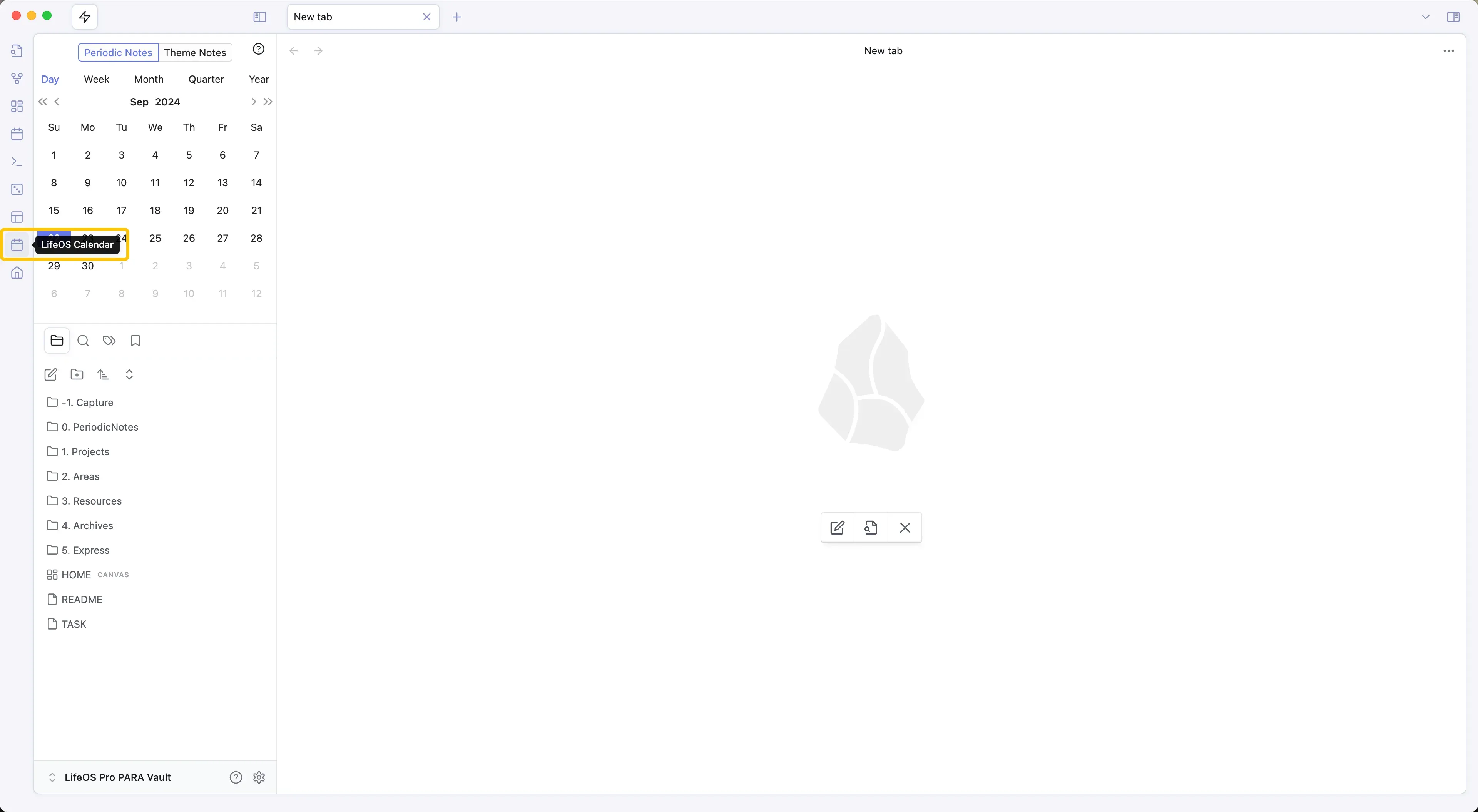
LifeOS is not about storing everything in one large file. It is about making related notes, tasks, and files flow back to the same theme.
For example:
You can write this in a daily note or a project note. As long as the same theme tag is present, the content can be indexed in the related theme note.
Afternoon: focus with Pomodoro
When you start deep work, open Pomodoro and bind it to one task only.
A simple rhythm:
- Work on one task for 25 minutes.
- Rest for 5 minutes.
- Decide whether to continue, pause, or split the task.
The timer is not the point. The point is forcing a small decision after each focus cycle.
Evening: close the loop
At the end of the day, return to the daily note and do three things:
- Check off completed tasks.
- Move unfinished but important tasks to tomorrow or to their project theme.
- Write one clear judgment about the day.
This turns your daily note into a reviewable work record instead of a pile of fragments.
What this workflow uses
If you are new to LifeOS, do not start with a complex template. Build the habit first: write tasks, schedule time, check off work, and close the day.