
A Research Workflow with Obsidian LifeOS
Research work often breaks in two places: you save more and more references, but no conclusion emerges; or you write long notes, but nothing turns into action. LifeOS theme notes help keep sources, questions, conclusions, and tasks in one context.
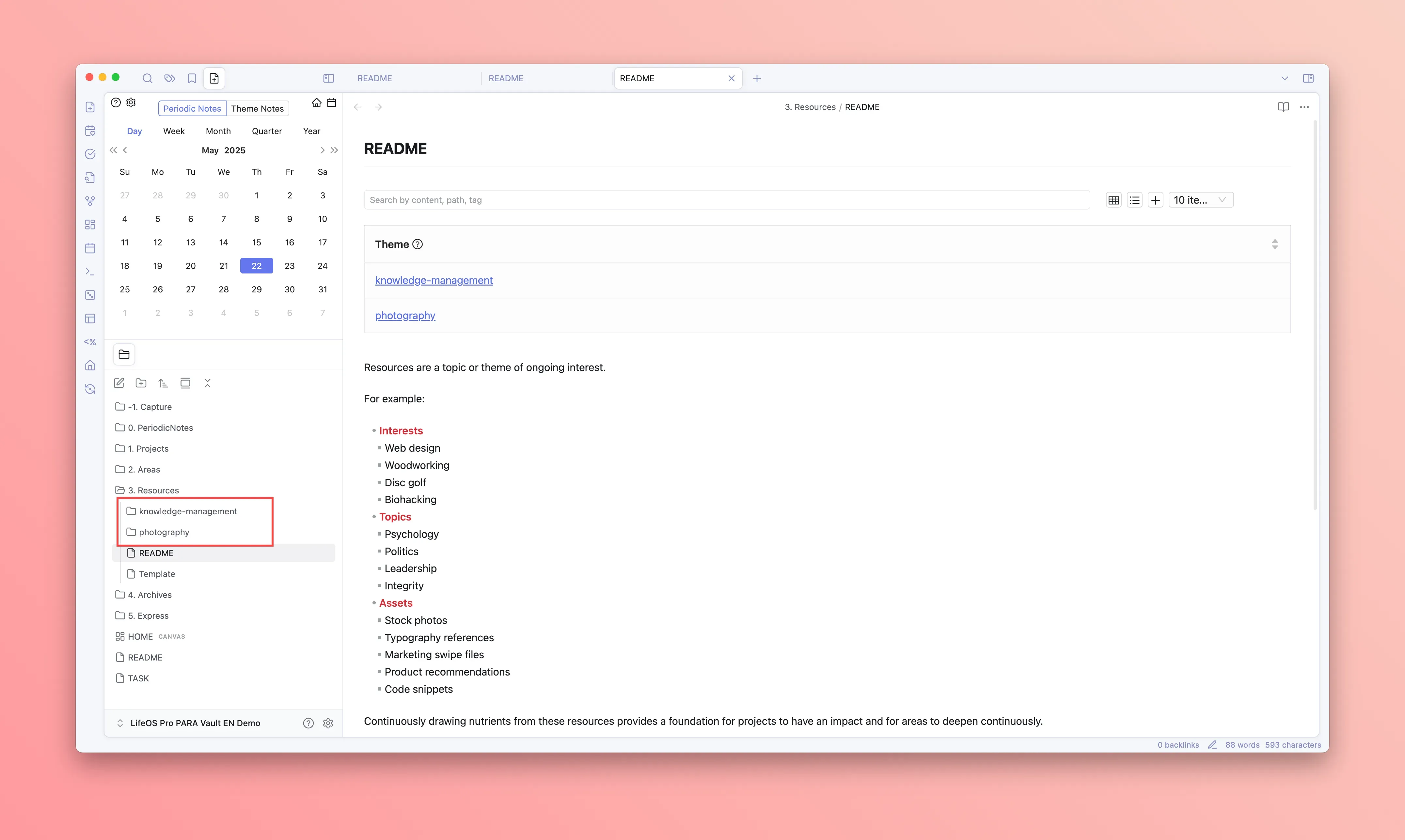
Create a research theme
Use the LifeOS form at the top left to create a theme note, for example:
This does not have to be a project. A research theme can be a long-running area of interest. Projects have deliverables; research themes can keep accumulating context.
Capture references lightly
Do not summarize every source immediately. Capture the source, the useful points, and your own judgment.
The same theme tag connects reference notes, daily thoughts, and tasks.
Turn questions into tasks
Research is not collecting. It is reducing uncertainty. When you see a question, turn it into an executable task.
Then filter this theme in the task view and move the research forward.
Use DeepAsk for the second pass
If you use DeepAsk, ask questions against the relevant notes instead of a blank chat.
Useful prompts:
- "What user pains repeat across this theme?"
- "Group these references by usage scenario, not by source."
- "Which conclusions are supported by notes, and which are still assumptions?"
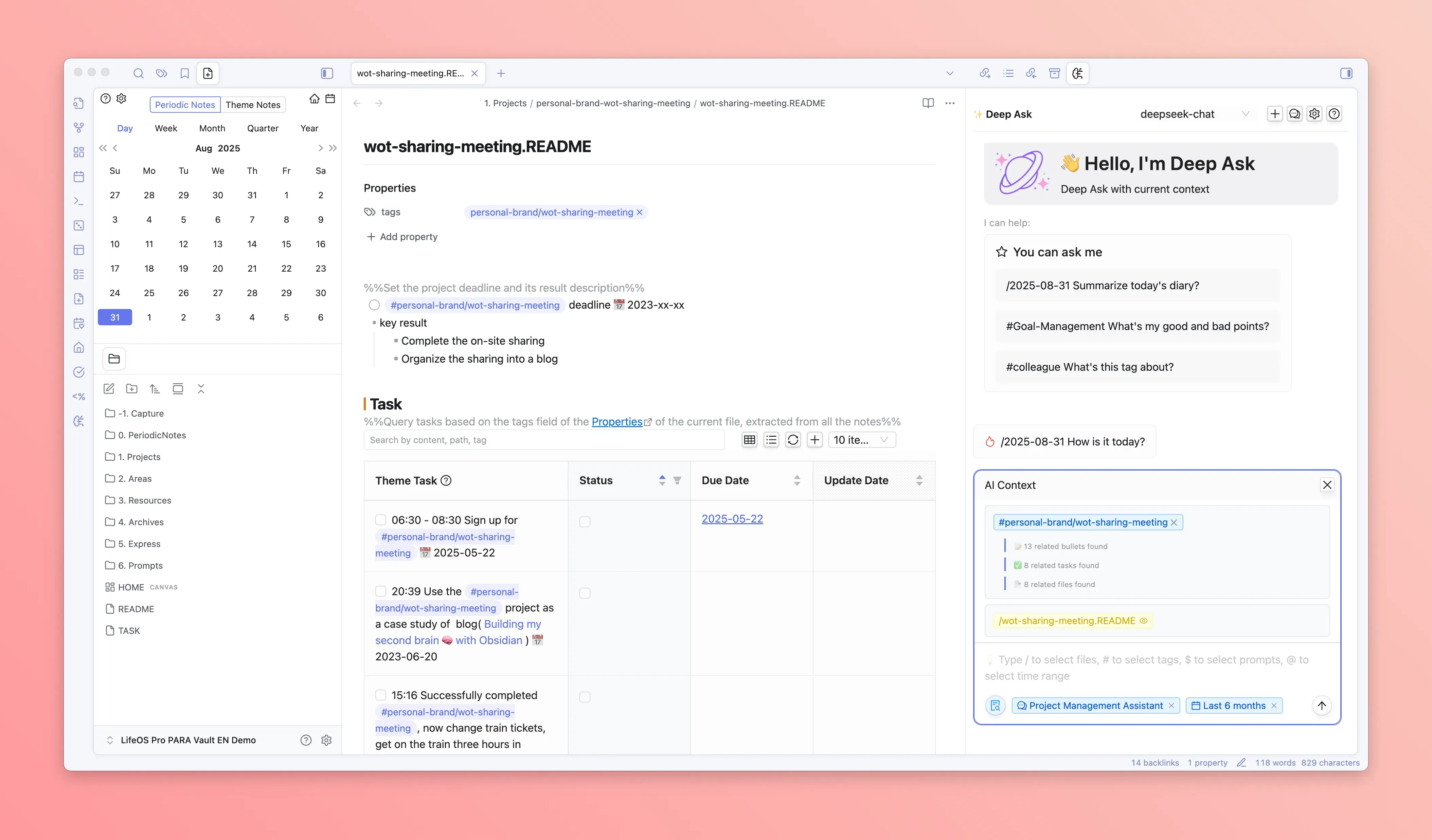
Treat AI output as a second index, not as the final conclusion. Go back to the original notes before making decisions.
Turn research into output
At some point, research should become an output:
If it becomes a project, create a project/... theme and link the key findings from the research theme.