
Make Obsidian Notes Askable with DeepAsk
Many people connect AI to a note app and only use it to summarize one article. That is useful, but it is not the strongest Obsidian + DeepAsk workflow. The better pattern is asking questions against your own knowledge base to find links, conflicts, and next actions.
Give AI a clear context first
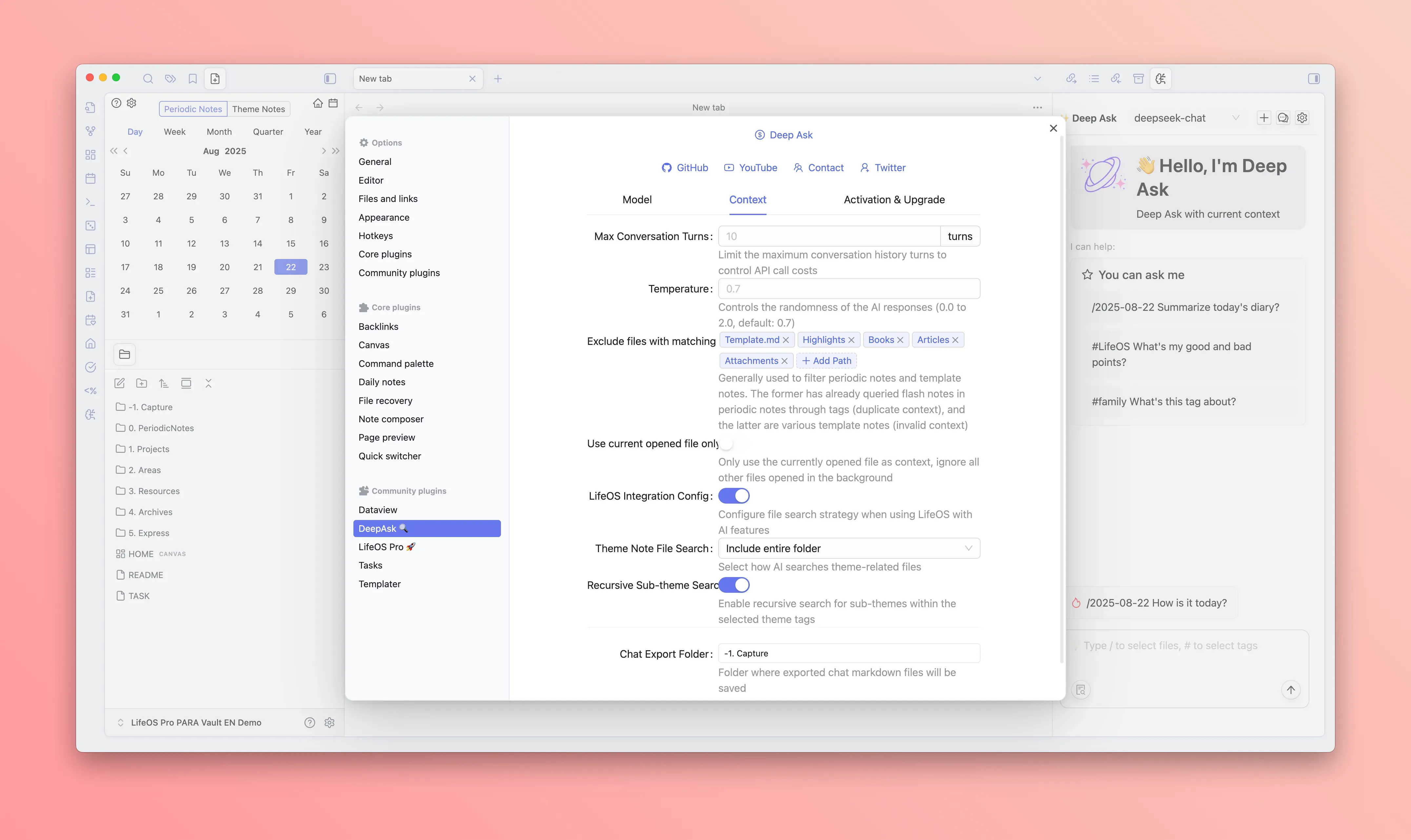
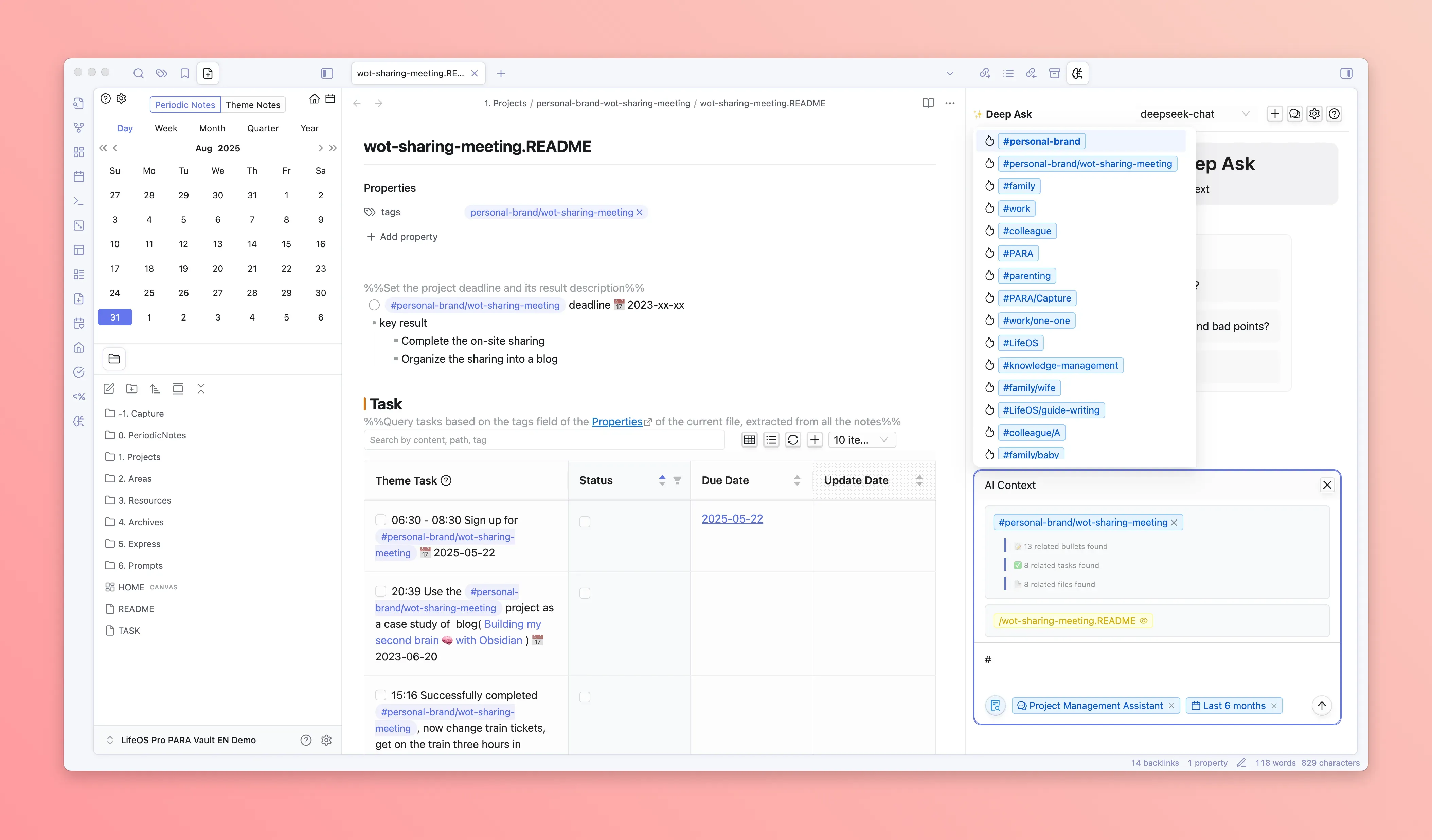
DeepAsk can work with files, tags, time ranges, and other contexts. Before asking, decide what you want it to read.
Common contexts:
- The current note.
- Notes under a theme tag.
- Daily notes from the last week or month.
- Meeting notes and tasks related to one project.
Scenario 1: turn meeting notes into actions
Write the meeting note in Obsidian as usual:
Then ask DeepAsk:
Paste the useful result back into the meeting note, then convert real actions into LifeOS tasks.
Scenario 2: find patterns in daily notes
Daily notes capture reality, but reviewing them manually is slow. Select the last 30 days and ask:
This is more useful than "summarize my notes" because it asks AI to find patterns.
Scenario 3: check whether a project is drifting
Select a project theme tag and ask:
This helps when a project starts spreading in too many directions. DeepAsk can surface drift; you still make the final call.
Scenario 4: turn references into an article outline
Select a research theme or a group of reference notes and ask:
This works well when you want to turn accumulated notes into publishable material.